Key takeaways
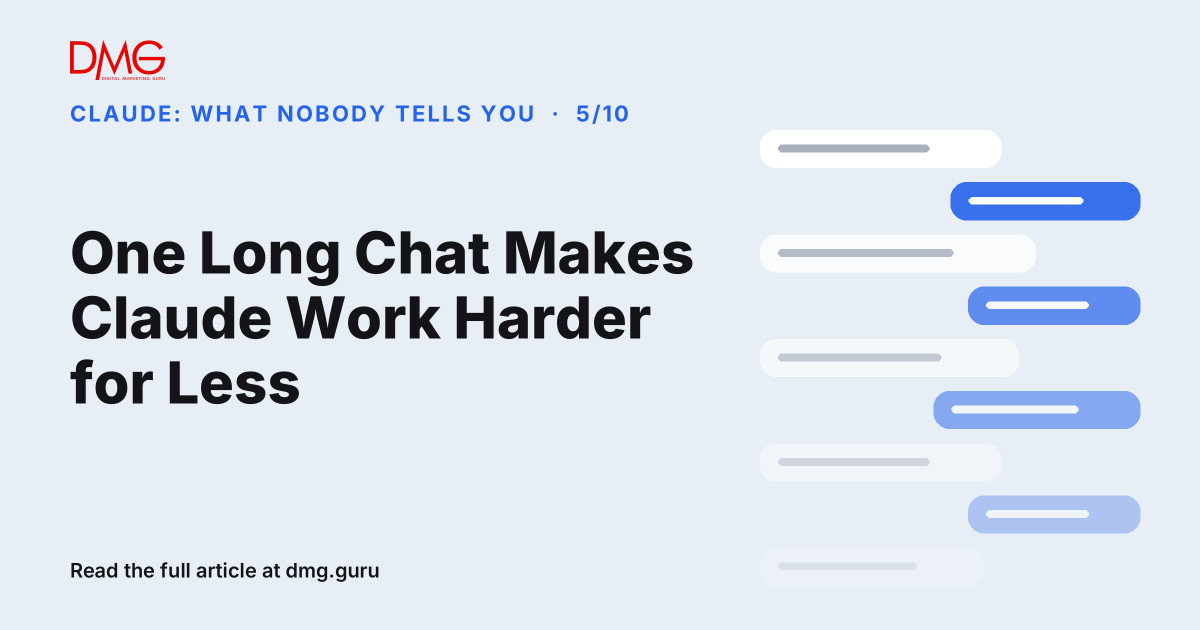
- Each new message in a chat is processed together with the conversation before it, so long chats use more of your usage limit per message.
- Long chats also mix old instructions with new ones, which makes answers less focused.
- Use one chat per task, start the next one with a short summary, and keep reference files in a project, where Anthropic says repeated content is cached and counts less.
A common pattern: one chat that started with a Facebook caption on Monday, moved on to a price list on Tuesday, and by Friday is drafting a staff policy. Then the owner hits the usage limit before lunch and wonders why.
Why long chats cost more
Claude doesn’t read only your latest message. It works with the whole conversation so far. Anthropic’s help pages say the length of the conversation affects how much of your usage each message takes. A message in a 200-message chat costs far more than the same message in a fresh one.
On paid plans, you can see where you stand under Settings → Usage, which shows your current session limit and your weekly limit.
Why long chats get worse answers too
Cost is only half of it. In a long chat, Monday’s tone instructions, Tuesday’s pricing and Friday’s policy draft all sit in the same context. Claude has to weigh all of it, and old instructions can leak into new work. A fresh chat with only what this task needs gives a cleaner answer.
The habit that fixes it
- One task, one chat. A caption, a price review and a policy are three chats.
- Carry a summary forward. Before you leave a long chat, ask: “Summarise what we decided in 10 bullet points.” Paste that into the next chat instead of starting over.
- Put reference material in a project. Price lists, brand guidelines and FAQs go into a project once. Anthropic says project content is cached, so using it again counts less towards your limits.
- Batch small requests. Ask for five headlines in one message, not five messages of one headline each.
- Refer back instead of repeating. “Use the tone from the second draft” is cheaper than pasting the draft again.
When a long chat is fine
One long chat is right when the work really is one task: developing a single proposal over several rounds, for example. The test is simple. If the next request doesn’t need the earlier messages, start a new chat.
Frequently asked questions
Why do I hit my Claude limit so fast?
Often because of long chats. Each message is processed with the conversation before it, so long chats use more per message. Start new chats per task and check Settings → Usage.
Will Claude forget everything if I start a new chat?
The new chat won’t contain the old messages, so carry forward a short summary. Standing context like price lists belongs in a project, which every chat in that project can use.
Do projects save usage?
Anthropic says project content is cached, so reusing it counts less towards your limits than pasting the same material into each chat.
Next step: See where your marketing really stands with DMG’s Full Business Audit.
Want help setting up Claude for your team? Talk to DMG.
Claude: What Nobody Tells You, part 5 of 10. Facts checked against Anthropic’s usage limit best practices on 13 November 2026; limits and plans may change.
Follow DMG on Google: add dmg.guru as a preferred source
Related articles
 How can AI assist freelancers with managing their workload?
 AI Didn’t Make Marketing Cheaper. It Made Average Free.
 Grok Reads X. Gemini Reads Google. Claude Reads Your Documents. None of Them Read Your Bank Account.
 The KOL Got Paid. Did You?
 Your Website Isn’t Ugly. It’s Silent.
 How can you adjust your display ad bidding strategy for a competitive landscape?