
Key takeaways
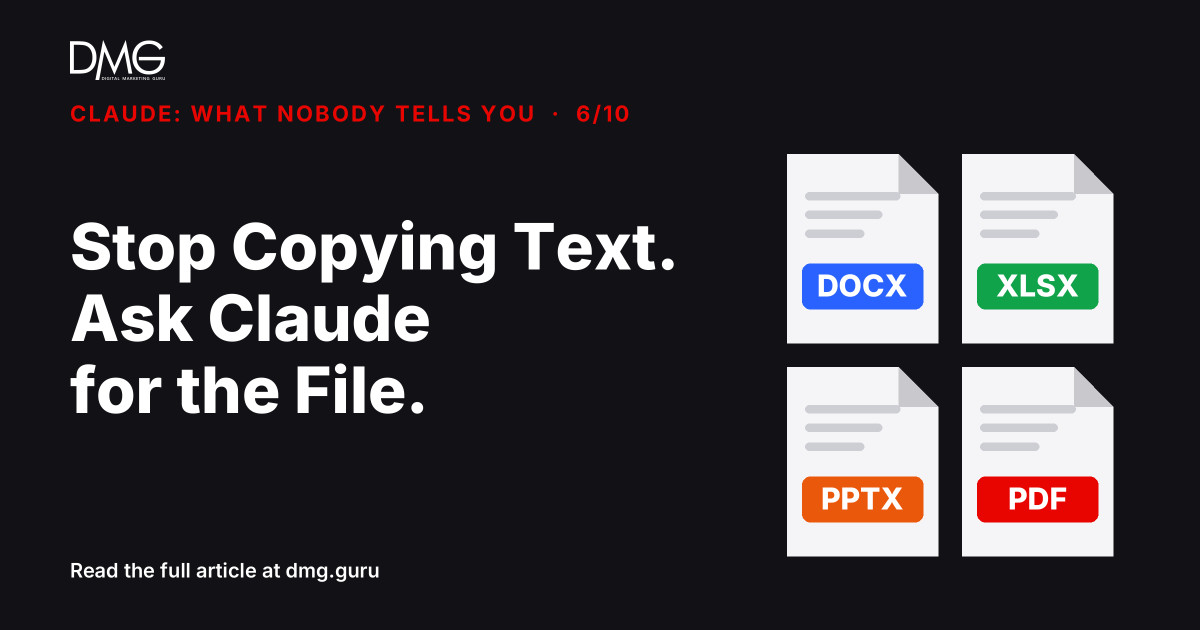
- Claude can create and edit real files: Excel spreadsheets, Word documents, PowerPoint decks, PDFs, CSVs and more.
- The feature is controlled under Settings → Capabilities and is available on every plan, including Free.
- Ask for the finished file, with its structure, instead of copying text out of the chat and formatting it yourself.
Contents
Watch a team use Claude for a monthly report and you’ll often see the same routine: ask for the numbers, copy the text, paste it into Excel, fix the columns, copy another answer into PowerPoint, fix the fonts. The AI took a minute. The copying took an hour.
Claude makes the file itself
Claude can create and edit files directly in the chat. According to Anthropic’s help centre, that includes Excel spreadsheets (.xlsx), Word documents (.docx), PowerPoint presentations (.pptx), PDFs, CSV files and more. You download the result, or save it to Google Drive.
It works on uploaded files too. Give it your messy sales export and ask for a clean spreadsheet with totals by month, or upload last year’s proposal and ask for an updated version.
Check it’s switched on
- Open Settings, then Capabilities.
- Turn on the file creation option (labelled “Code execution and file creation”, or “Create and edit files” in newer versions).
Anthropic lists it as available on all plans. On Team and Enterprise plans, an admin may need to enable it first.
How to ask
Describe the file, not just the content:
- “Create an Excel file from this sales export: one sheet per month, totals by product, and a summary sheet with a chart.”
- “Turn these meeting notes into a Word document with headings for decisions, owners and deadlines.”
- “Make a 6-slide PowerPoint pitch for this service, one idea per slide, with speaker notes.”
- “Convert this price list into a one-page PDF I can send to customers.”
Where business owners save the most time
- Cleaning up exports from POS, accounting or ad platforms
- Monthly reports and simple dashboards in Excel
- Quotations, proposals and SOPs in Word
- Sales and training decks
One rule: check the numbers. Open the spreadsheet and test a few totals before it goes to a client or your accountant.
Frequently asked questions
Can Claude create Excel files?
Yes. Claude can create and edit Excel spreadsheets, as well as Word, PowerPoint, PDF and CSV files, once file creation is on in Settings → Capabilities.
Is file creation available on the Free plan?
Anthropic lists it as available on all plans. Team and Enterprise admins may need to enable it for their organisation.
Can Claude edit a file I upload?
Yes. Upload the file and describe the changes. Claude returns an updated file you can download.
Next step: See where your marketing really stands with DMG’s Full Business Audit.
Want help setting up Claude for your team? Talk to DMG.
Claude: What Nobody Tells You, part 6 of 10. Facts checked against Anthropic’s help article on creating and editing files on 13 November 2026; features and plans may change.
Follow DMG on Google: add dmg.guru as a preferred source
Related articles
 “What % of Revenue Should I Spend on Marketing?” Is the Wrong Question
 Claude Isn’t a Chatbot. It’s a Coworker You Never Onboarded.
 Your Google Reviews Are Your Real Homepage
 SEO: The Powerhouse That Needs a Team
 Creator Economy Trends for Influencer Marketing
 How can AI assist freelancers with managing their workload?